2. Ctrl + Home – Go straight to the first cell of the sheet.
3. Ctrl + End – Jump to the last used cell in the sheet.
Follow along for more spreadsheet tips like this. 💡
#spreadsheettips #keyboardshortcuts #zohosheet #prousers
Advanced Excel shortcuts don’t just save time.
They keep your sheets clean and professional.
Editing cells quickly, making tables, formatting fast — game changers.
Have you started using advanced shortcuts yet?
#AdvancedExcel#ProfessionalSkills#SpreadsheetTips#CareerGrowth
Awe, we like to share too.
Let me share a spreadsheet tip with you: SUMIFS
=SUMIFS(Transactions!D:D, Transactions!C:C, "Groceries", Transactions!E:E, ">=7/1/2025", Transactions!E:E, "<=7/31/2025")
Finds transactions with a category of "Groceries" in July.
#SpreadsheetTips#Spreadsheets#Excel#GoogleSheets#TillerMoney
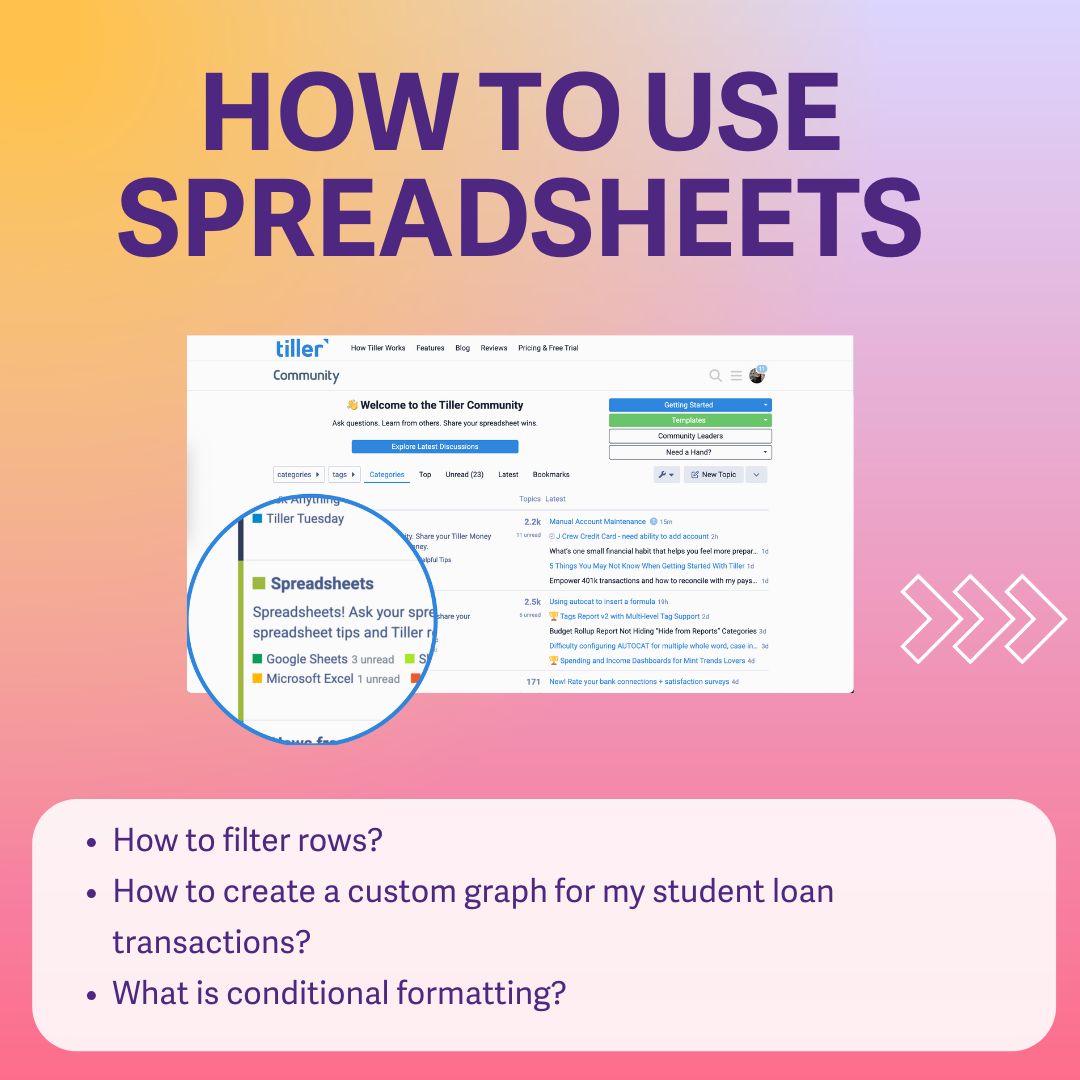
You can also get your spreadsheet questions answered. Learn how to filter, make a custom graph, or use colors to make your spending pop. It’s all about making your money easier to see, your way.
🧵 3/4
#Spreadsheets #GoogleSheets #SpreadsheetTips #Excel #MicrosoftExcelo
This is one of my favorite shortcuts! Seriously, what's your biggest struggle in Excel or Power BI right now? Comment below, and I might make a full YouTube tutorial about it just for you! #ExcelShortcuts#ExcelHacks#SpreadsheetTips#Microsoft365