#Windows11 #Endtask
Windows 11 taskbar has a hidden "End Task" feature, how to turn it on
Eaisly End the program which has become unresponsive by right clinking
How to enable turn on End task feature , a hidden feature ?
Microsoft has added a feature to Win 11 that allows you to end tasks directly from the taskbar, but it's turned off by default.
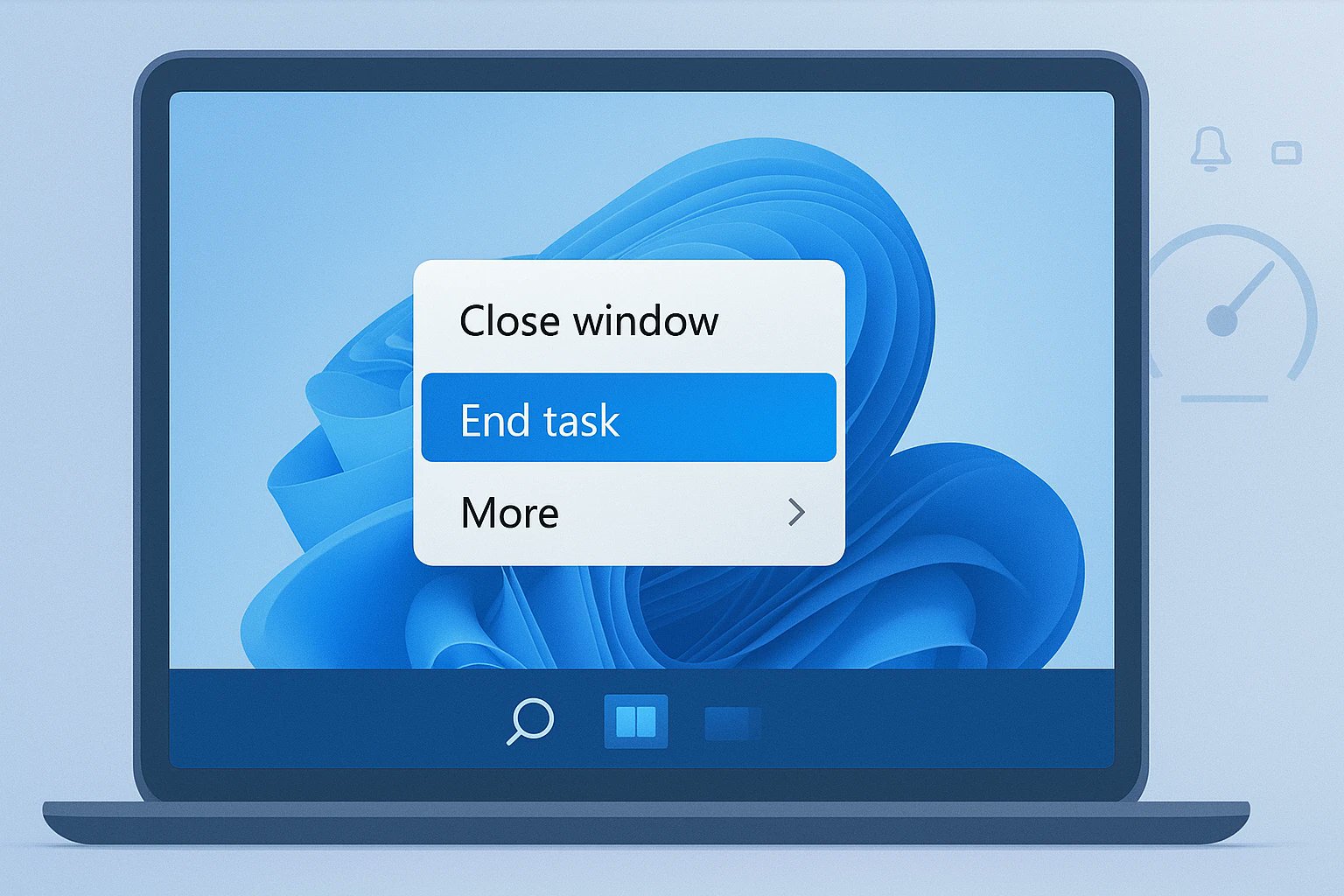
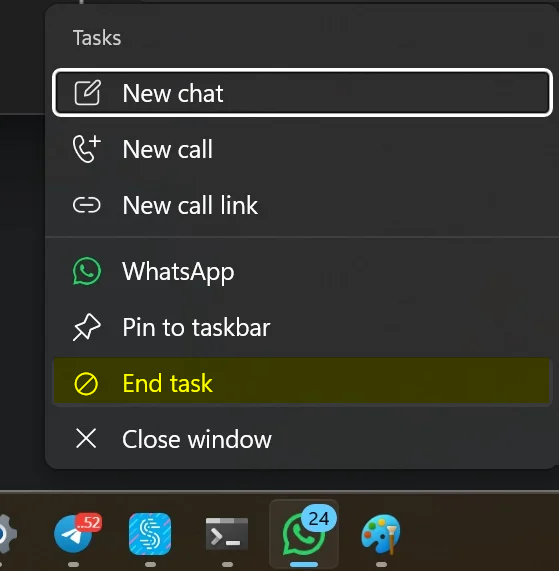
When the "End Task" feature is enabled, you can right-click on an app icon in the taskbar and see an "End Task" option.
This feature is useful when a program becomes unresponsive, allowing you to quickly end the task.
The "End Task" feature has been available for a while now, but some of you may not be aware of it. To turn it on or off, try these steps:
Open the Settings app on your Windows 11 device.
Navigate to System and then For developers.
Find the End Task option and toggle it to On.
Once this setting is enabled, you can easily end tasks by right-clicking on the app icon in the taskbar and selecting "End Task."