Behind the Opus
Behind the Opus @BehindtheOpus ·
If Everything Looks Important, Nothing Is Key points don’t stand out on their own. Guide attention using size, color, and position so your audience sees—and remembers—what matters: behindtheopus.com/notes/everythi… #SlideDesign #Business #BusinessStrategy #Finance #Consulting
Guide Attention on Slides: Visual Anchors

Learn how to use size, color, and position to guide audience attention. Make key points stand out so your slides communicate clearly and are remembered.

From behindtheopus.com
1
24
Behind the Opus
Behind the Opus @BehindtheOpus ·
Your Deck Is Descriptive, Not Persuasive A deck without a stance is a deck that can’t persuade. It might look polished, but it won’t move anyone: behindtheopus.com/notes/deck-des… #SlideDesign #Business #BusinessStrategy #Finance #Consulting
Make Your Deck Persuasive, Not Descriptive

Learn how to turn descriptive slide decks into persuasive arguments. Take a clear stance, guide decisions, and make every slide in your deck drive action.

From behindtheopus.com
1
28
Behind the Opus
Behind the Opus @BehindtheOpus ·
The “So What?” Test for Every Slide Clean charts and solid analysis are not enough. If a slide doesn’t make its implications explicit, it hasn’t done its job: behindtheopus.com/notes/so-what-… #SlideDesign #Business #BusinessStrategy #Finance #Consulting
“So What?” Test: Make Every Slide Clear

Learn how to make every slide communicate clear implications. Apply the “So What?” test to turn data into decisions so your audience sees why it matters.

From behindtheopus.com
1
1
42
Adam Carter
Adam Carter @BelhidaniMouad ·
We're Hiring! Looking for a PowerPoint Slide Designer with strong visual storytelling skills! If you can turn data and ideas into stunning, professional slides - we want you on our team. Send your portfolio to: hr.xetransfer@gmail.com #Hiring #PowerPointDesigner #SlideDesign
71
Behind the Opus
Behind the Opus @BehindtheOpus ·
Cut the Noise & Stop Overcomplicating Complex slides and dashboards don’t impress. They confuse. Clear, simple visuals accelerate understanding and action: behindtheopus.com/notes/cut-the-… #SlideDesign #DashboardDesign #Business #Finance #Consulting
Simplify Slides and Dashboards for Clarity

Learn how to simplify slides and dashboards. Remove unnecessary visuals and metrics to make insights obvious, accelerate understanding, and guide action.

From behindtheopus.com
1
74
Behind the Opus
Behind the Opus @BehindtheOpus ·
The Hidden Power of “…” in Slides The ellipsis isn’t just a placeholder. In presentations, it’s a tool that guides attention, connects ideas, and turns decks into stories: behindtheopus.com/notes/power-el… #SlideDesign #Business #BusinessStrategy #Finance #Consulting
Using Ellipses in Slides for Storytelling

Learn how to use ellipses (…) to connect slides and guide attention. Improve presentation flow, storytelling, and audience understanding across your deck.

From behindtheopus.com
1
84
Behind the Opus
Behind the Opus @BehindtheOpus ·
Don’t Dress a Deck That Isn’t Built Most people start designing slides by making them look pretty. That’s backwards. The structure and content always come first: behindtheopus.com/notes/dont-dre… #SlideDesign #Business #BusinessStrategy #Finance #Consulting
Slide Deck Design: Structure Before Style

Learn why slides must be structured before styled. Focus on argument, clarity, and flow first—visual polish comes only after the deck’s foundation is solid.

From behindtheopus.com
1
100
Behind the Opus
Behind the Opus @BehindtheOpus ·
The Forgotten Section: The Appendix Most people treat the appendix as a dumping ground. In reality, it is where prepared answers live: behindtheopus.com/notes/forgotte… #SlideDesign #Business #BusinessStrategy #Finance #Consulting
Appendix: Why It Matters in Slide Decks

Learn how to use the appendix in slide decks strategically. Turn it from a dumping ground into prepared answers that support scrutiny and strengthen arguments.

From behindtheopus.com
1
90
Zendeck AI
Zendeck AI @kejianbang365 ·
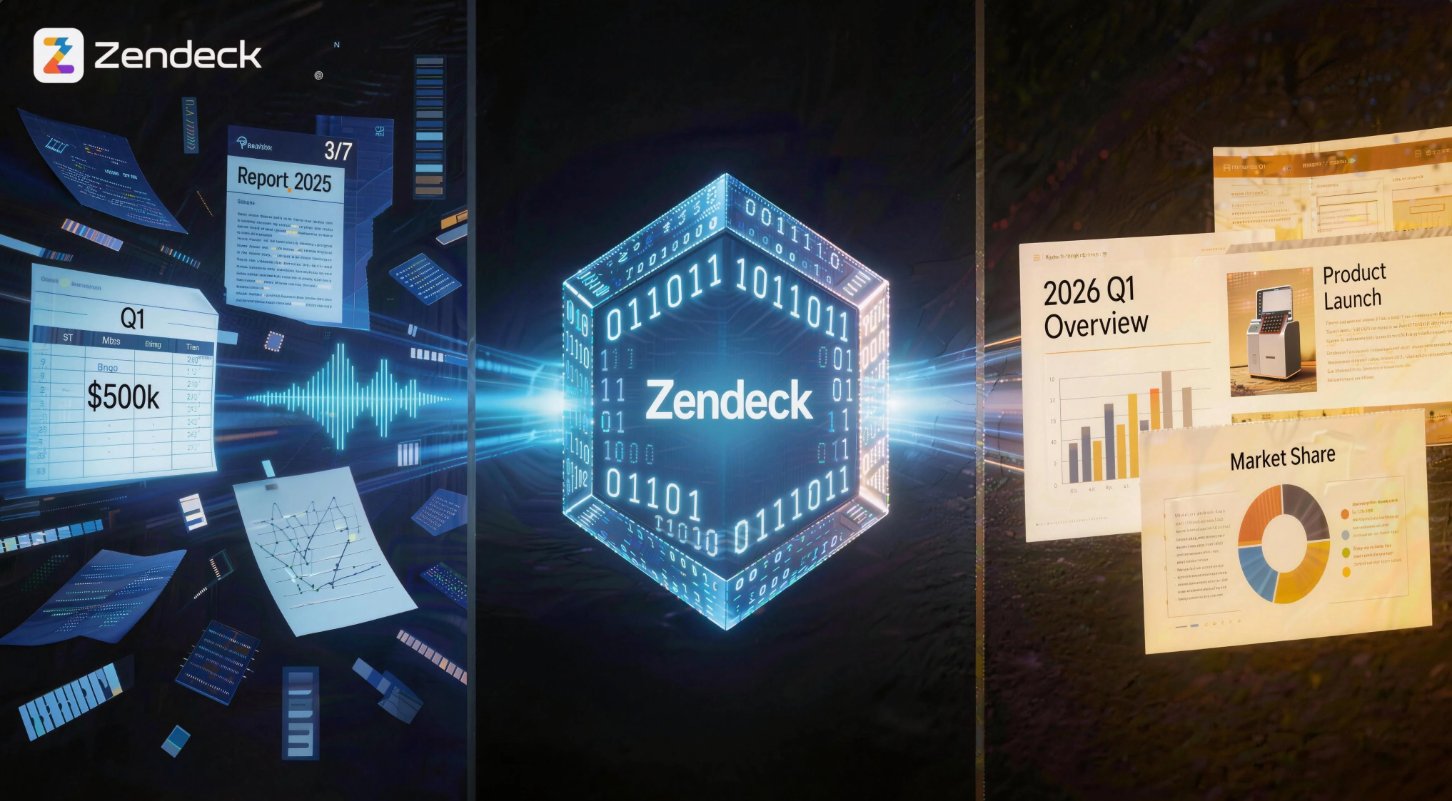
Turn Your Drafts into Stunning Slides Instantly. Great content deserves great design. Don't waste time formatting text boxes. Zendeck AI can analyses your draft and applies professional design principles automatically.zendeck.ai #SlideDesign #PPTTips #AIDesign
1
10