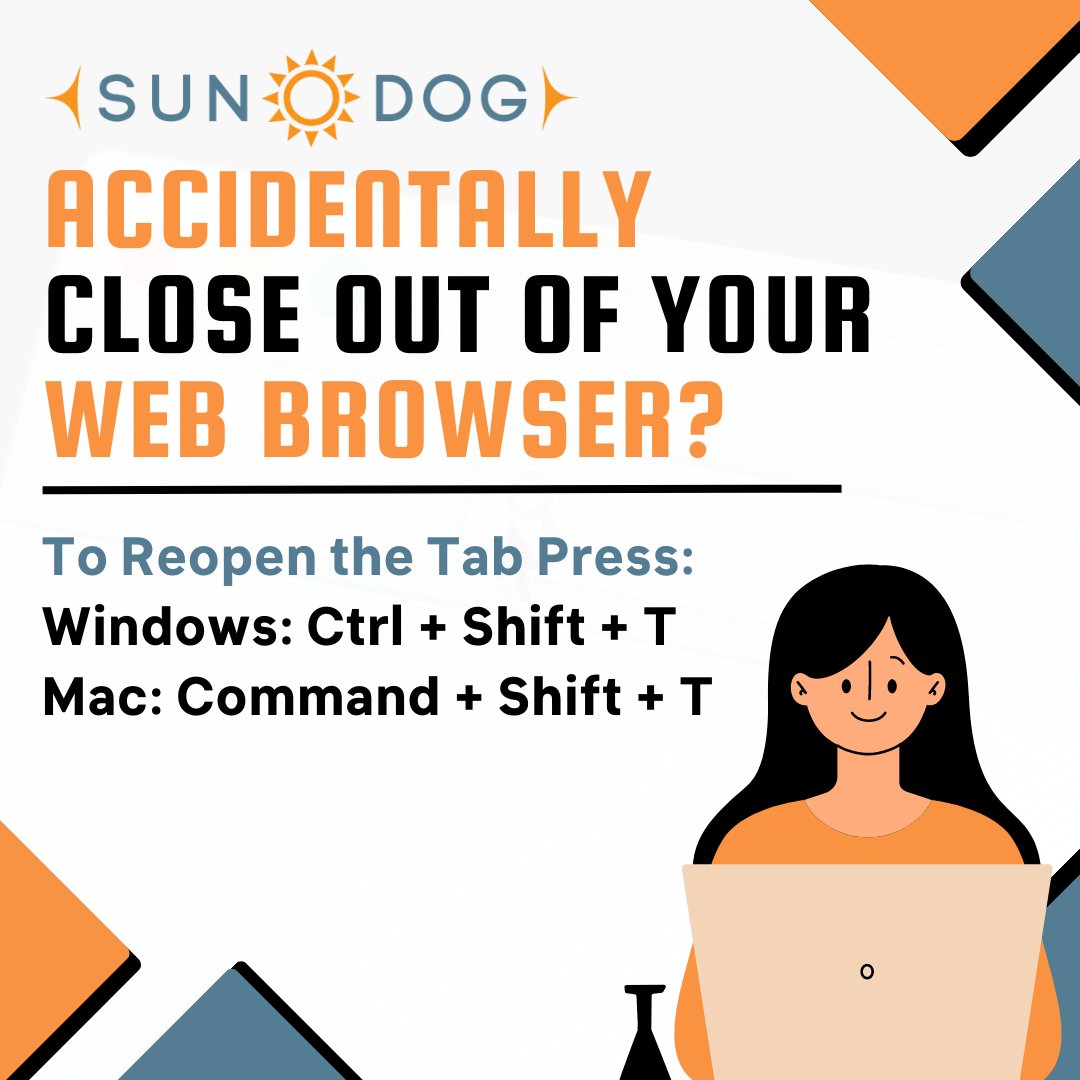
Accidentally close out of your important web browsing tab? Get yourself back on track with this easy trick!
Windows: Press Ctrl + Shift + T
Mac: Press Command + Shift + T
#sundog#techtip#browsertip#sundogsavestheday
Boost your productivity with this quick tip! Simply type 'set timer for X minutes' in your browser's search bar to start a timer. Works on Google and DuckDuckGo. Give it a go! #ProductivityHack#BrowserTip#TimerTrick
#BrowserTip Want to help the environment while sitting behind your desk doing searches? Use the #Ecosia extension in #GoogleChrome to plant trees while you work! The money that is (already) generated by your searches can help plant trees! Read more: info.ecosia.org/what
#BrowserTip: How to quickly find a web page you visited in the recent past (even if you don’t remember the title of the page or which website it was on)
ricksdailytips.com/how-to-search-…
If Chrome displays a blank page when a link is activated in an email (Outlook, Apple mail etc.,) update Chrome and it resolves the problem. #BrowserTip